Scheduling and open shifts
The problem: Visits and open shifts are tracked in more than one place.
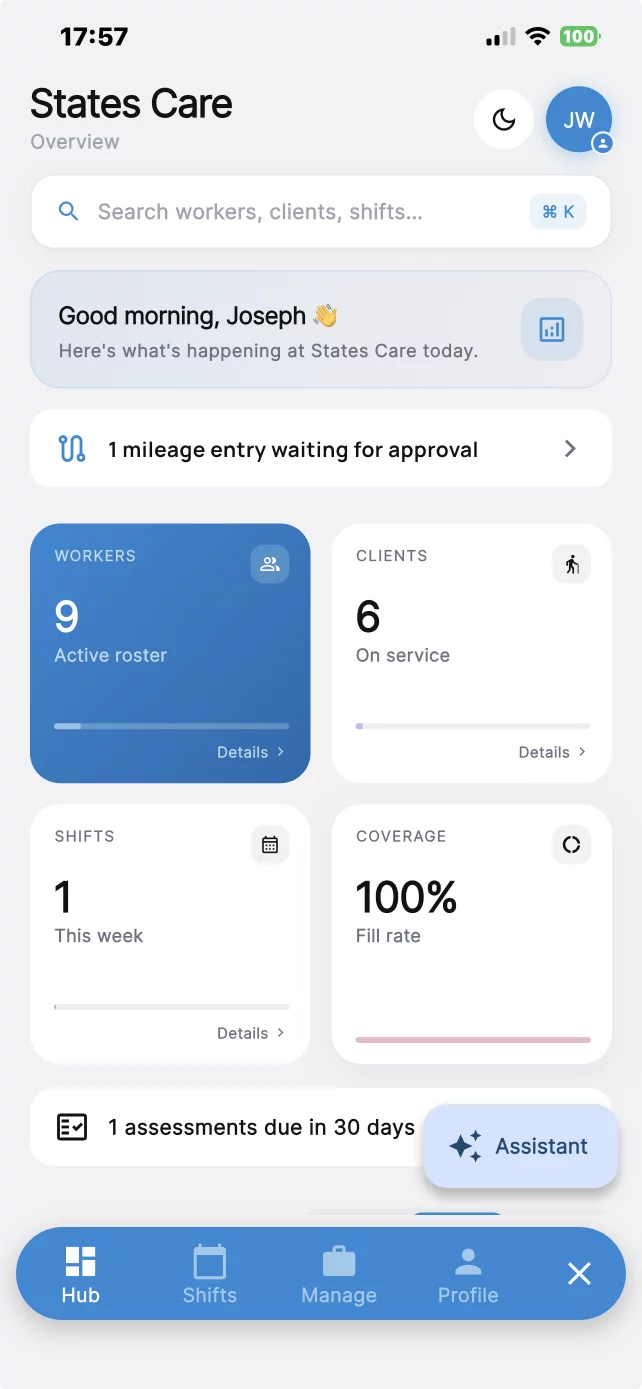
What you get: Build the schedule in the web app and post open shifts. Staff use the mobile app.
Schedule healthcare staff, record each visit at the location, and keep notes, credentials, and documents together.
How it helps
Each problem below is paired with the part of CareChronix that handles it.
The problem: Visits and open shifts are tracked in more than one place.
What you get: Build the schedule in the web app and post open shifts. Staff use the mobile app.
The problem: For home-based care, a timesheet does not show that staff were at the address.
What you get: Built-in EVV: geofenced clock-in and clock-out, saved with every shift.
EVV requirements vary by state; confirm your state's requirements.
The problem: Travel between visits is written up after the fact.
What you get: Track mileage on its own or together with a shift, in the web app and the mobile app.
The problem: Licenses and documents expire without a single list.
What you get: Onboard staff, store documents and credentials, and track expiry.
The problem: Intake packets and consent forms are still on paper.
What you get: Administrators can help clients complete intake. Use customizable assessments and templates, digital signatures, and document uploads.
The problem: Visit notes and incident reports are hard to trace later.
What you get: Save visit notes, incident reports, and tasks with the visit. Each visit stores the service type, client, staff member, date, location, and start and end time. Changes stay in an audit trail.
The problem: Staff, managers, and families need different access, and reports are rebuilt by hand.
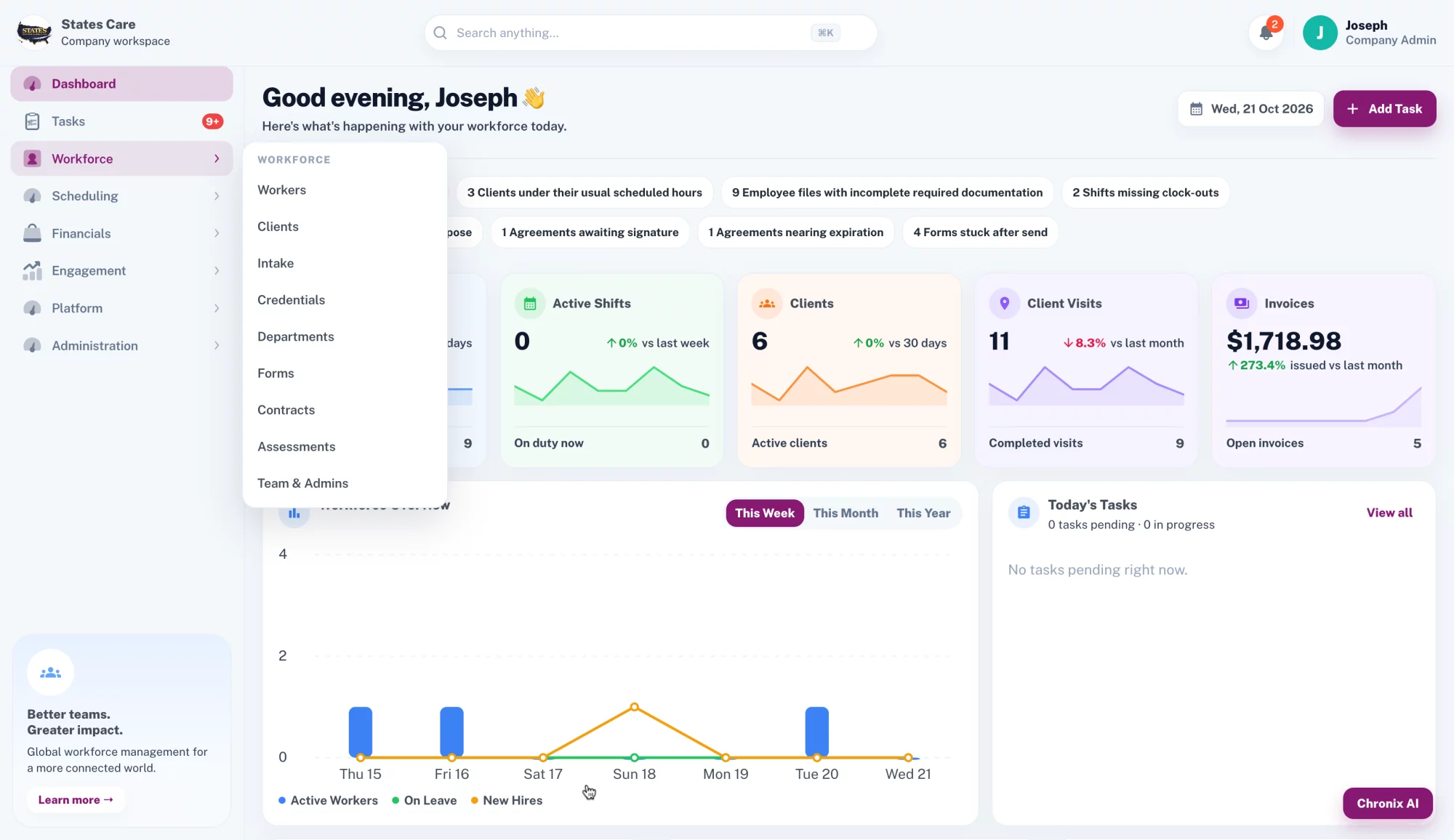
What you get: Use admin, manager, staff, and client or family access when you enable it. Run reports for clients, employees, shifts, mileage, documentation, and tasks. Company workspaces stay separate. Payroll integration depends on your configuration.
Before and after
Before
After
One platform
Schedules, home-based visits, mileage, documents, and reports in one workspace.
Visit verification
For home-based visits, staff clock in at the client address and clock out before leaving. Every visit is time-stamped, location-verified, and saved with the shift.
Built-in EVV: geofenced clock-in and clock-out, saved with every shift.
EVV requirements vary by state; confirm your state's requirements.
EVV accepted in:
State acceptance details available on request.
Chronix AI is built into CareChronix. Admins ask in plain words, and it answers from the company's own records. Open it from the Chronix AI button in the web app or the Assistant button in the mobile app.
You stay in control. When Chronix AI drafts a task or a shift, nothing is created until you press Approve.
Search any record
Clients, workers, visits, service notes, incidents, credentials, mileage, and tasks.
Draft tasks and shifts
Describe the task or shift. Review the draft, then approve it.
Expiring credentials
Employees with credentials expiring in the next 30 days.
Missed visits and missing notes
Clients with missed visits, and visits missing service notes.
Incomplete training
Employees who have not completed required training.
Help with notes
Workers can fix grammar, summarize notes and incident reports, and spot missing details in their own documentation.
Pricing
Plans start at $150/month. Final pricing depends on your team and requirements.
Account and operational data is protected in transit and at rest.
FAQ
For home-based visits, yes. Built-in EVV: geofenced clock-in and clock-out, saved with every shift. EVV requirements vary by state; confirm your state's requirements.
Service type, client, staff member, date, location, and start and end time. Changes are in an audit trail.
Yes, when you enable client or family access. Other roles can be configured.
You can run itemized reports for billing. Payroll and external-system integration depends on your configuration.
The mobile app. The office uses the web app. A REST API is available.
Fifteen minutes. We will walk through scheduling, clock-in, and the records you keep today.