Schedules and open shifts
The problem: Each store builds a rota that the office cannot see.
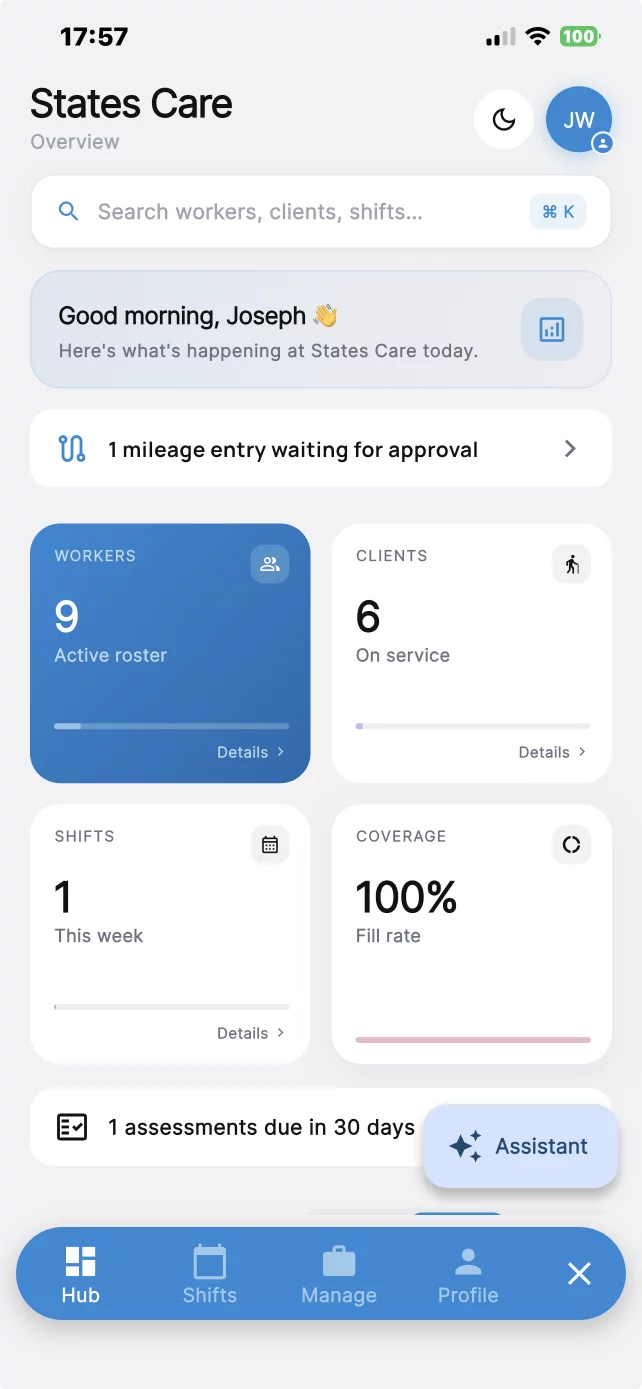
What you get: Schedule shifts by store and post open shifts. Associates use the mobile app.
Schedule associates by store, post open shifts, and record clock-in at the location.
How it helps
Each problem below is paired with the part of CareChronix that handles it.
The problem: Each store builds a rota that the office cannot see.
What you get: Schedule shifts by store and post open shifts. Associates use the mobile app.
The problem: Time punches and the rota live in different tools.
What you get: Geofenced clock-in and clock-out is saved with the shift. Staff clock in at the store and clock out before leaving.
The problem: New-hire packets are different in every store.
What you get: Send forms and applications, collect digital signatures and uploads, and track credential expiry.
The problem: Opening notes and incidents stay in a store binder.
What you get: Save notes, incident reports, and tasks with the shift. Changes stay in an audit trail.
The problem: One login shows every store.
What you get: Company workspaces stay separate. Use your logo, colors, and roles for admin, manager, and employee.
The problem: Hours by store are copied into payroll.
What you get: Run reports for employees, shifts, documentation, and tasks. Payroll integration depends on your configuration.
Before and after
Before
After
One platform
Stores, shifts, clock-in, and staff documents in one workspace.
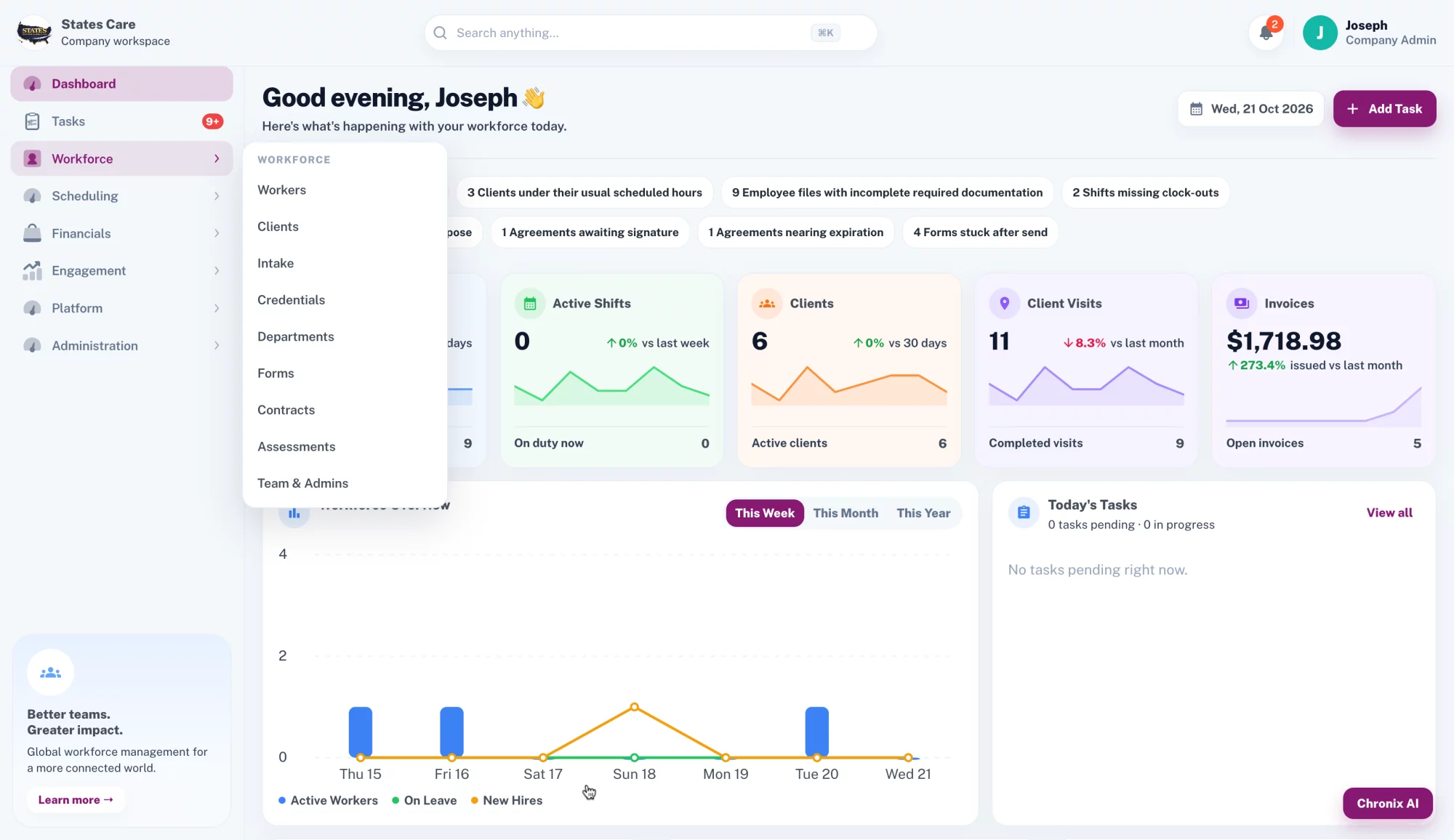
Chronix AI is built into CareChronix. Admins ask in plain words, and it answers from the company's own records. Open it from the Chronix AI button in the web app or the Assistant button in the mobile app.
You stay in control. When Chronix AI drafts a task or a shift, nothing is created until you press Approve.
Search any record
Clients, workers, visits, service notes, incidents, credentials, mileage, and tasks.
Draft tasks and shifts
Describe the task or shift. Review the draft, then approve it.
Expiring credentials
Employees with credentials expiring in the next 30 days.
Missed visits and missing notes
Clients with missed visits, and visits missing service notes.
Incomplete training
Employees who have not completed required training.
Help with notes
Workers can fix grammar, summarize notes and incident reports, and spot missing details in their own documentation.
Pricing
Plans start at $150/month. Final pricing depends on your team and requirements.
Account and operational data is protected in transit and at rest.
FAQ
Yes. Schedule shifts by location. Workspaces stay separate.
On the mobile app. Geofenced clock-in and clock-out is saved with the shift.
Yes. Send custom forms and applications and collect digital signatures.
Role-based access lets you set what a manager sees. Other roles can be configured.
The web app. A REST API is available.
Fifteen minutes. We will walk through scheduling, clock-in, and the records you keep today.